
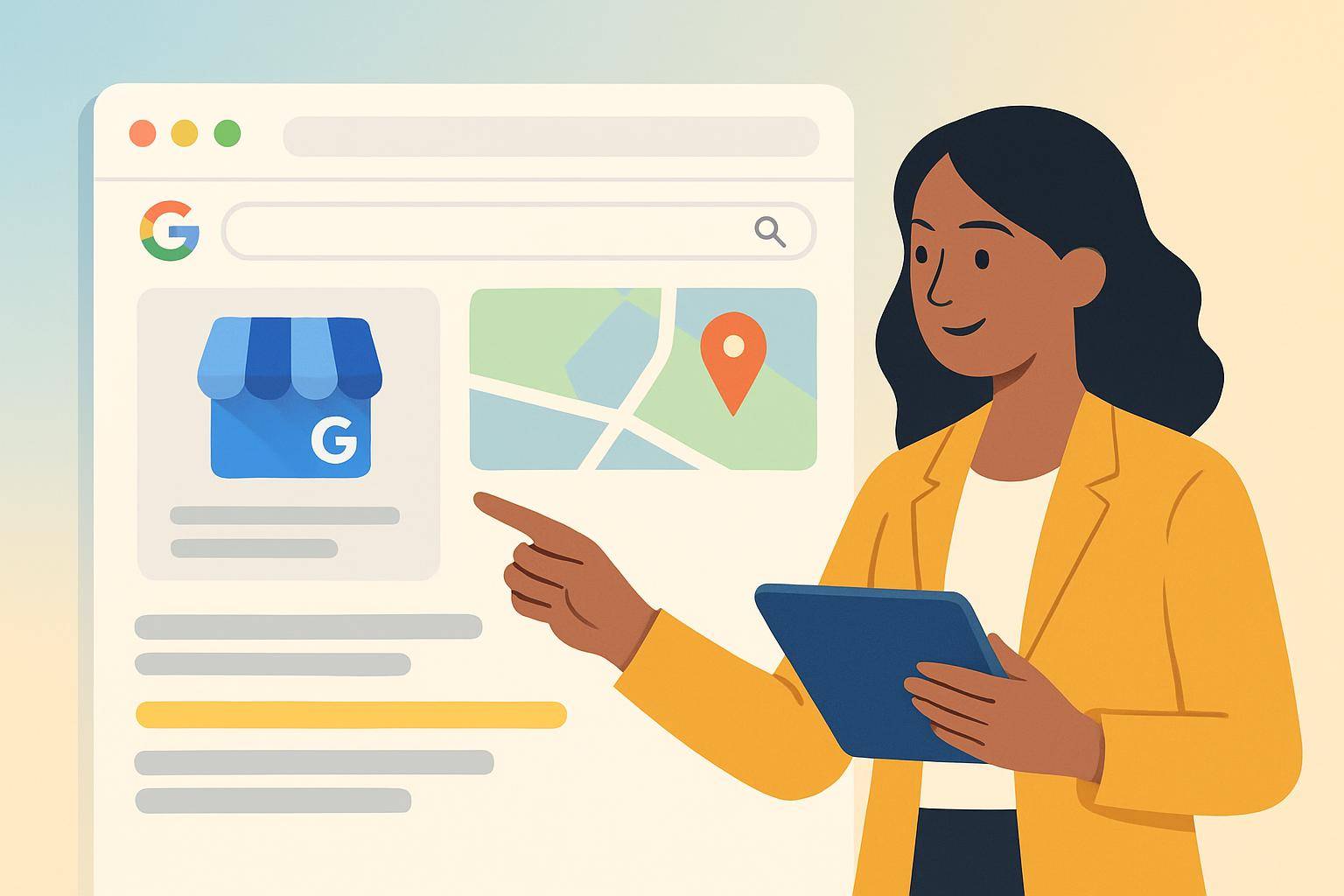
Understanding Google Business Profile
Your Google Business Profile (GBP) is often the first impression potential customers have of your business when they search online. Optimizing this profile can significantly impact how many customers walk through your door. Here’s how to make your GBP work harder for you.
Claim and Verify Your Profile
The first step is to claim your Google Business Profile. Here’s how:
- Go to Google My Business.
- Click on “Manage now.”
- Enter your business name and address.
- Follow the verification steps, which usually involve receiving a postcard at your business address.
Once verified, you can fully manage your profile, making it essential for local SEO.
Fill Out Every Section
A complete profile can help you rank higher in local searches. Make sure to fill in:
- Business Name: Use your official business name.
- Address: Ensure it matches your other online listings.
- Phone Number: Use a local number if possible.
- Category: Choose the most relevant category for your business.
- Hours of Operation: Update these regularly, especially during holidays.
- Website URL: Link to your website for more information.
- Business Description: Write a compelling description of your business, including relevant keywords.
- Photos: Upload high-quality images of your products, services, and storefront.
Leverage Posts and Updates
Google allows you to post updates directly to your profile. Use this feature to:
- Announce special promotions or sales.
- Share upcoming events.
- Highlight new products or services.
- Post customer testimonials or success stories.
Regular updates can keep your profile fresh and engaging, encouraging more interactions from potential customers.
Encourage and Manage Reviews
Reviews are a crucial part of your GBP. To manage them effectively:
- Encourage happy customers to leave positive reviews. You can ask them in person or follow up with a thank-you email including a link to your GBP.
- Respond to all reviews, both positive and negative, to show that you value customer feedback. A prompt, polite response can turn a negative review into a positive experience.
- Monitor your reviews regularly to keep track of your reputation and address any recurring issues.
Utilize Insights to Track Performance
Google provides insights into how customers find your business and interact with your profile. To access this:
- Log into your Google My Business account.
- Click on the “Insights” tab.
Here are some key metrics to look for:
- Search Queries: See what terms people used to find your business.
- Customer Actions: Track how many users clicked on your website, requested directions, or called your business.
- Photo Views: Understand which images attract the most views.
Use this data to refine your strategy and improve your offerings.
Conclusion
Optimizing your Google Business Profile is not just about filling out information; it's about creating an appealing, engaging profile that attracts customers. By taking these steps, you can significantly increase your visibility and foot traffic.
For a quick start, check out our free 60-second AI website audit at ThriveCanvas, and see how we can help you grow your online presence!